
TC Group
TC Group provides comprehensive digital transformation and smart automation solutions powered by AI technology.
They empower public sector organizations and businesses to optimize resources, automate administrative processes, and build secure, sustainable digital infrastructures.
TC Scan
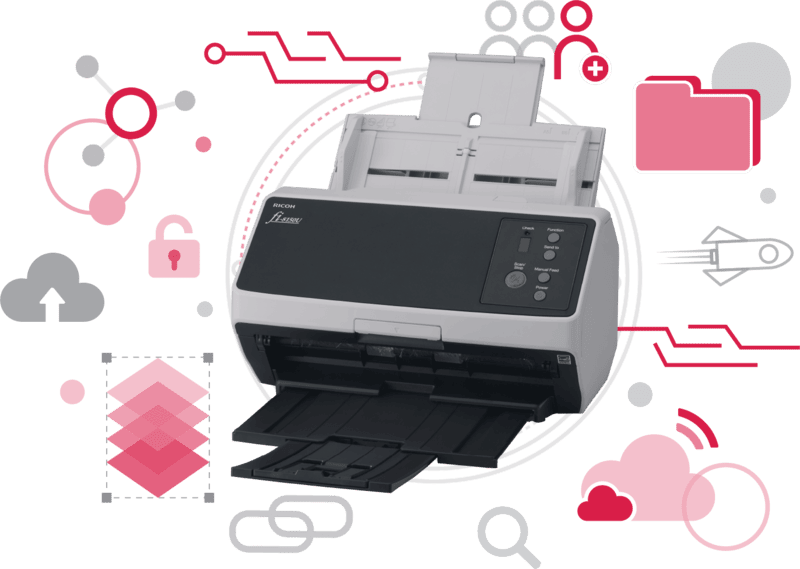
Streamline your workflow with TC Scan – the automated solution for scanning, extracting data, and archiving documents.
Effortlessly process records and export them to PDF, Excel, Word, or your existing document management systems.
Key Challenges In Document Digitization

High Labor Intensity
Manual archiving requires constant intervention across sorting, scanning, and tagging, causing team burnout and skill-dependent accuracy issues as volumes grow.

Time-Consuming Workflows
Processing complex, multi-type document sets manually creates massive operational delays. Without automation, enforcing strict custom archiving structures for high-volume paperwork becomes a major bottleneck.

High Risk of Human Error
Manual filing and data entry frequently lead to misnamed files and misplaced directories. Inconsistent data extraction across document sets degrades overall database integrity.
Features
Standardized Storage Workflows
Ensures files are archived consistently to prevent lost or misplaced records.
Accelerated Turnaround Time
Drastically reduces the time spent on manual sorting, file naming, and data entry.
Maximized Data Utilization
Transforms raw paperwork into structured digital data for instant searching and reporting.
Versatile Document Compatibility
Efficiently handles high-volume administrative records, legal paperwork, and business files.
Turnkey Deployment
An intuitive interface modeled after familiar scanning tools guarantees zero learning curve for your team.
Benefits
Direct Hardware Integration
Connects natively with all standard scanners—including specialized RICOH integration—and supports direct file imports.
Flexible Scanning Configurations
Save custom presets for target paths, OCR fields, and naming rules to eliminate repetitive setup steps.
Automated File Naming
Generates consistent file names automatically using OCR-extracted metadata to streamline future document searches.
AI Data Extraction & OCR Parsing
Extracts specific text fields with high accuracy for printed Vietnamese text and handwriting.
Structured Archiving
Auto-organizes files into unified dossier folders or categorized document types to prevent filing mix-ups.
On-Premise Data Security
Installs locally on PCs or internal enterprise networks to keep sensitive files off third-party clouds.
Key Challenges In Document Digitization
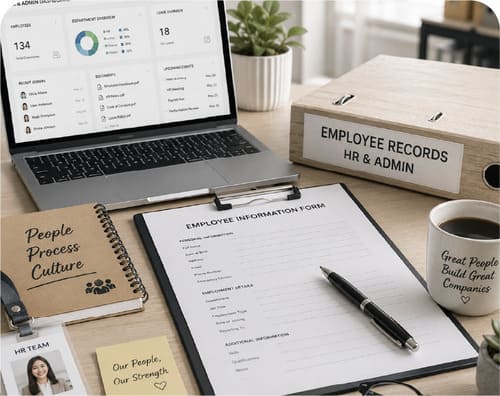
HR & Administrative Departments
Automates the processing of daily personnel files and office paperwork.
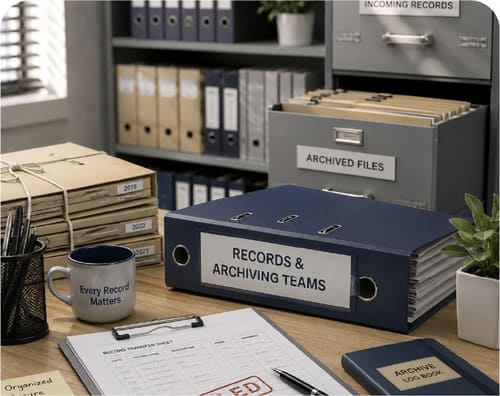
Records & Archiving Teams
Simplifies structured, long-term document storage and retrieval.
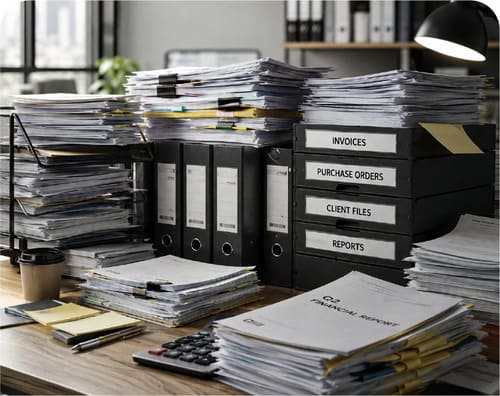
Paper-Heavy Enterprises
Replaces slow manual filing bottlenecks with automated scanning workflows.
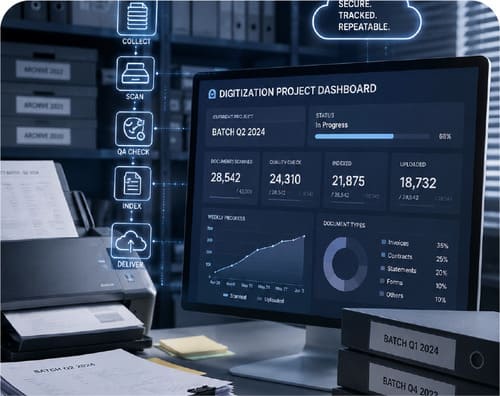
Recurring Digitization Teams
Designed for organizations executing periodic bulk scanning projects.
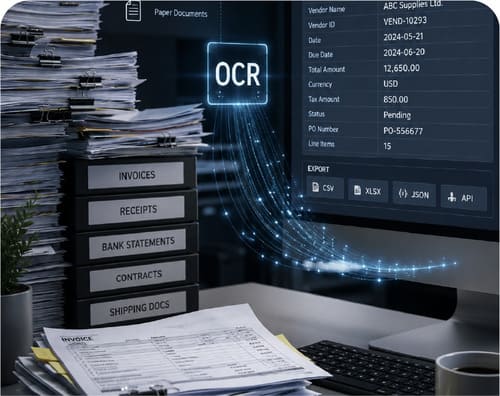
Data Parsing Teams
Ideal for units requiring fast, structured data extraction from physical records.
EDMS Implementers
Perfect for organizations actively transitioning to Electronic Document Management Systems.
TC Kiosk AI
End-to-End AI Public Administration Kiosk Solution
Combines dedicated hardware and AI software to automate public service lookup, document submission, and application processing efficiently.
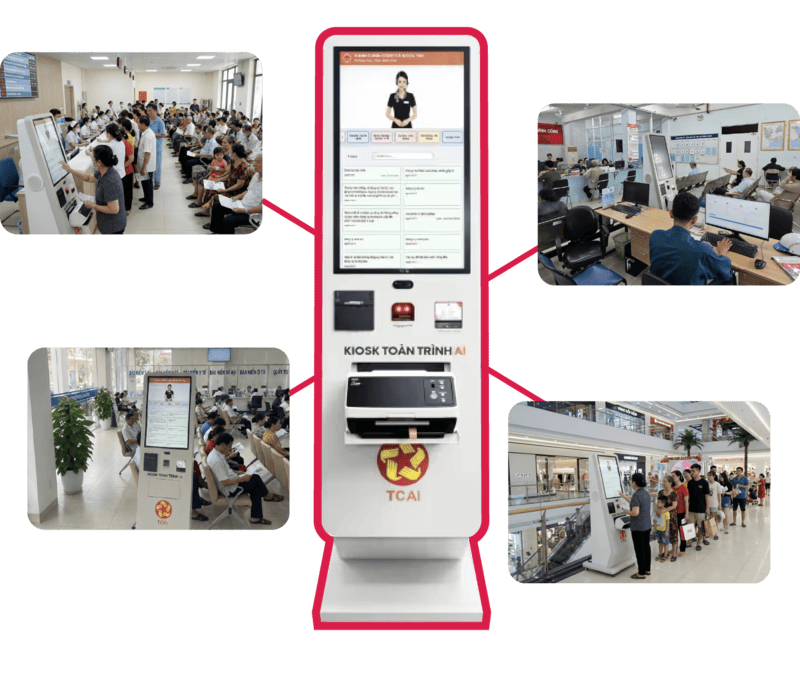
Multidisciplinary Solutions
Trade/Services
Bank
Insurance
Taxes & Land
Hospital/Clinic
Public Administration & Government Agencies

Deployment Sites
Trusted by over 50 government administrative units nationwide.

Processing Time Saved
Reduces administrative wait and processing times by up to 80%.

Administrative Workload Reduction
Minimizes manual overhead for public service officers.
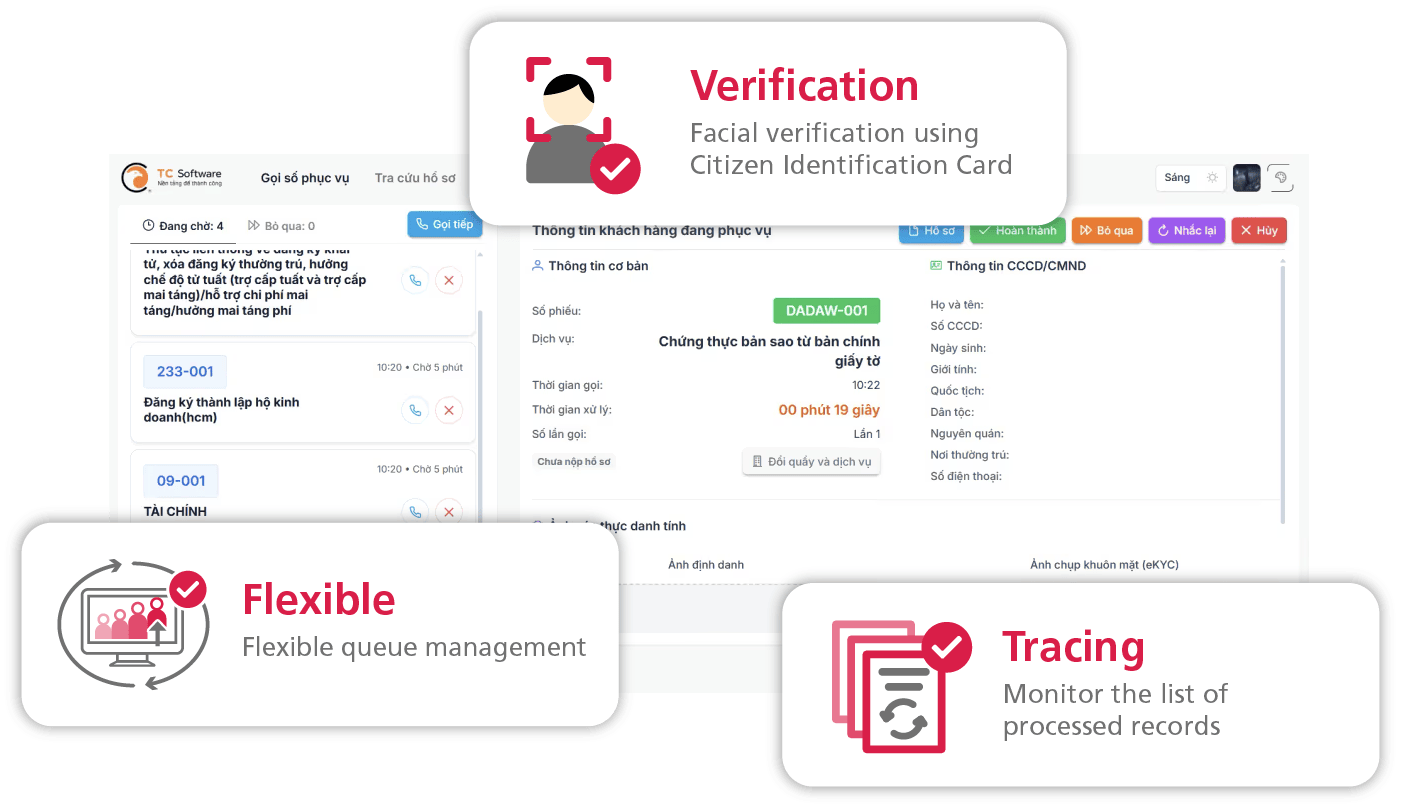
Key Features
Verification
Facial authentication using citizen identification card.
Get a queue number
Effortlessly streamline visitor flow with an adaptable queue ticketing system built for complex operational models and dynamic, real-time queuing exceptions.
Automated document scanning & submission
Citizens can scan paper documents directly at the kiosk through a few simple steps. The system automatically recognizes and extracts file data to autofill forms on the National Public Service Portal or local agency intake systems.
AI Assistant Integration
Citizens can interact directly with an AI Chatbot to instantly resolve inquiries regarding all services on the National Public Service Portal.